Now that we’ve got cell phones with cameras capable of shooting up to 41-megapixel photos and 1080p HD video, everybody’s a smartphone photographer. Unless you’ve spent hundreds (or thousands) on a D-SLR camera, many of us don’t see the point of carrying a standalone camera. However there seems to be a huge gap in the quality of photos uploaded from phones versus ones from even the cheapest digital cameras.
Instagram, and other apps like it, do an okay job adjusting brightness and applying filters to doll-up photos we’ve taken. But adding a border, a blur circle, and picking the “Amaro” filter won’t fix every photo. Snapseed will.
Snapseed (which is available for Android and iOS devices) is an amazingly powerful yet simple to use photo editing app. Take any picture, whether is dimly lit, crooked, out of focus, or a combination of all three; swipe your fingers a few times; and boom, you’ve got a picture worthy of double digit ‘Likes’ on Facebook.
Yes, Snapseed is really that easy to use. It’s quickly become one of my favorite apps, and makes it worth taking pictures everywhere I go. And the best part is that it’s FREE!
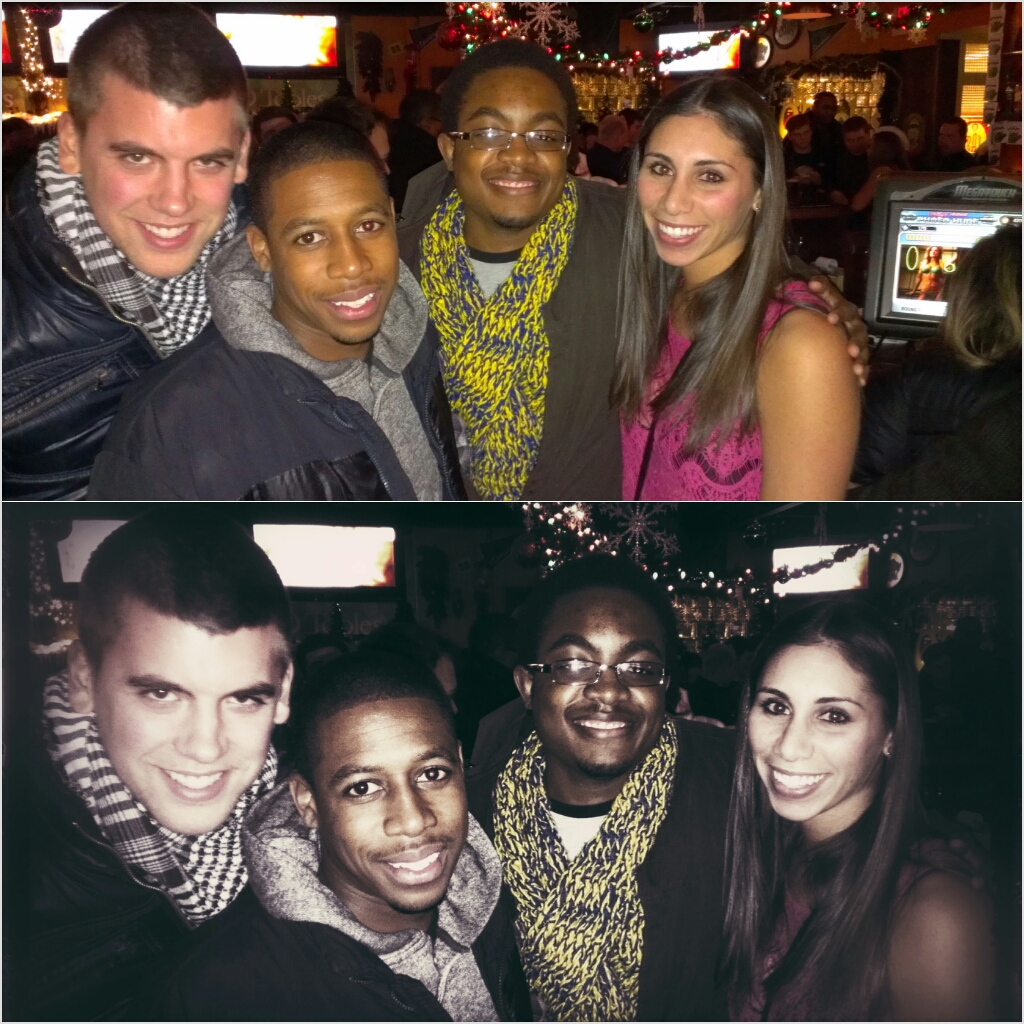
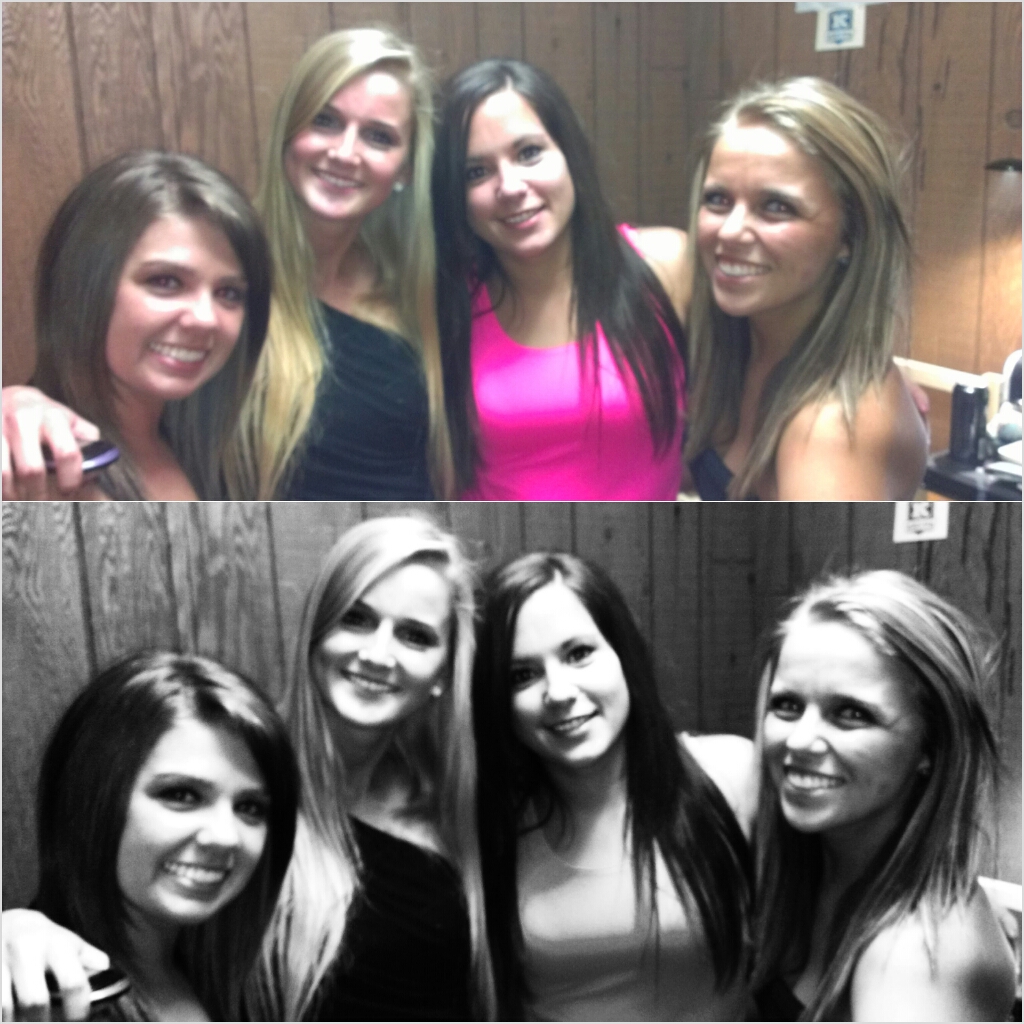
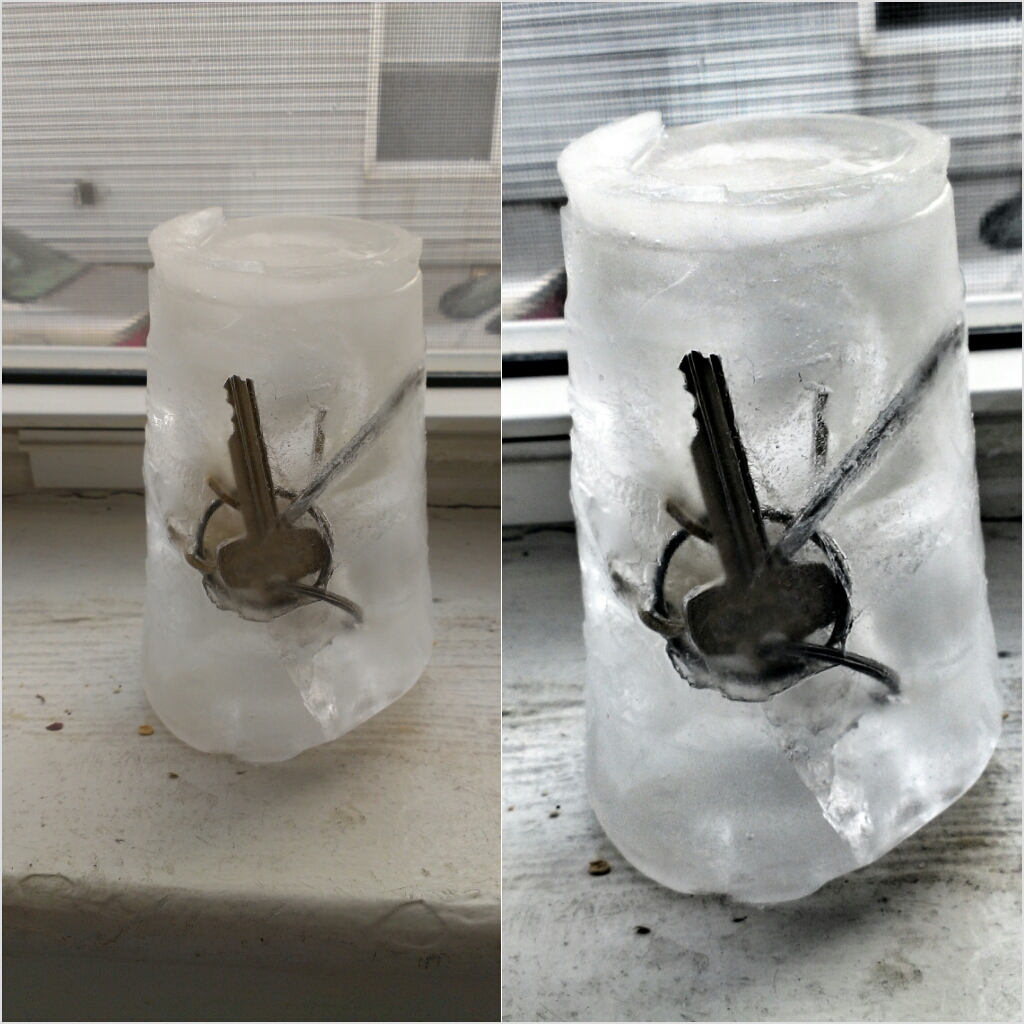
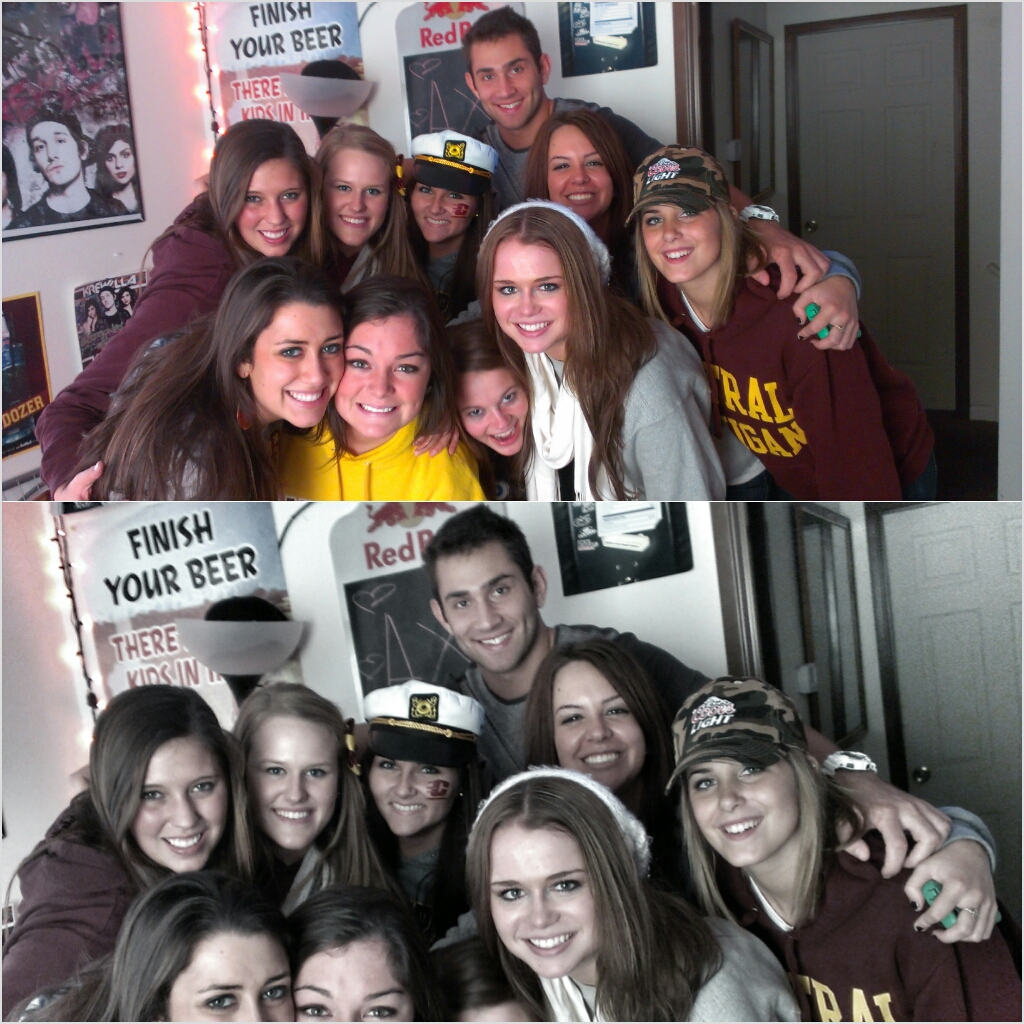
Snapseed is great, but I know it’s not the only photo app out there. What other photo apps are you all using? Do you have another app(s) you feel everybody must download? LET US KNOW BELOW!
*Smartphone Photographer Tip: Turn your phone’s flash off unless it’s absolutely necessary. It ruins photos. Just make sure whatever you’re shooting is in focus and add some brightness and contrast in later.


This looks sick! How does it work?
Posted by Dale | April 9, 2013, 8:41 PMIt’s really just a series of swiping and sliding your fingers across the picture to make individual adjustments. Download the app and give it a try. It’s got a great built-in tutorial. You’ll be an expert in just a matter of a few pictures.
Posted by Elikem "Quim" Moten | April 17, 2013, 2:22 PM